Brand Guidelines & Templates

Design at Scale, On Brand Every Time

Transform your creative production with AI-powered design that automatically adheres to your brand guidelines. Create stunning visuals faster, while maintaining perfect brand consistency.

User interface of Brand Hub software showing brand templates, AI design tools, and options to apply Brandkit and add brands.
Why Brand Guidelines & Templates

Brand Perfect

Automatically enforce brand guidelines across all designs, eliminating off-brand creatives and ensuring consistency at scale.

Design Freedom

Import existing templates from Adobe, Canva, or Figma, or create new ones using Yarnit's intuitive design canvas with pre-built layouts.

Smart Scale

Turn any design into a dynamic template that can adapt to multiple formats while maintaining brand integrity.

Blank white web interface with a vertical sidebar on the left containing three icons: a purple swirl, a square grid, and a life preserver at the bottom.
Marketing Capabilities

Creative Engine

Empower your team to produce on-brand creatives at scale without extensive design expertise or constant agency support.

Multi-Channel Pro

Generate perfectly sized variations of your designs for every platform - from social media posts to display ads - while maintaining brand consistency.

Design Control

Maintain brand integrity across all marketing channels by standardizing design elements and ensuring guideline compliance.

Template Power

Convert your best-performing designs into reusable templates that anyone on your team can customize without compromising brand standards.

Centralized Asset Management

Store, organize, manage your brand assets - Including images, logos, colors, & assets

Brand Compliance
Monitoring

Ensure all generated content adheres to your brand’s guidelines and standards.

Blurred abstract image with dominant purple hues and circular light effects.
Core Features

Brand Control Hub

Centralize your brand assets including colors, logos, and fonts in one place, with intelligent automation ensuring every design follows your guidelines perfectly.
‍

User interface with options for Logo, Colours, Fonts, Images, and a purple button labeled Apply Brandkit.

Smart Templates

Import or create custom templates with designated zones for headlines, images, and CTAs, supporting multiple formats and use cases from social posts to display ads.

Brand Hub dashboard showing options to add a brand and add a new template, with 'Yarnit Innovations' selected and Templates menu highlighted.

Design Automation

AI-powered creative production system that scales your design process while maintaining brand consistency, with support for custom sizes and multi-channel adaptation.

AI design template selector interface showing options for aspect ratio and brand type with a preview of a headline and punchline design on a tablet image.
Product FAQ’s

Frequently Asked Questions

Can we create different templates for different marketing channels?

Absolutely! You can create and publish templates for specific use cases like LinkedIn posts, Instagram stories, Google display ads, blog banners, and more.

Do we need design expertise to use these features?

No! Yarnit's AI-assisted design system and pre-built layouts make it easy for anyone on your team to create professional, on-brand creatives without extensive design experience.

How does Yarnit maintain brand consistency across different platforms?

Yarnit's Brand Control Hub ensures all design elements adhere to your guidelines, while Smart Templates automatically adjust your creatives for different platforms while maintaining brand integrity.

How does template customization work?

Templates include designated zones for different elements (headlines, images, CTAs), which can be easily customized while maintaining brand guidelines. The system automatically ensures all changes remain on-brand.

Can we use our existing design templates with Yarnit?

Yes! Yarnit supports importing templates from Adobe, Canva, Figma, and other platforms in SVG format. You can also create new templates from scratch using our design canvas.

Blogs & Resources
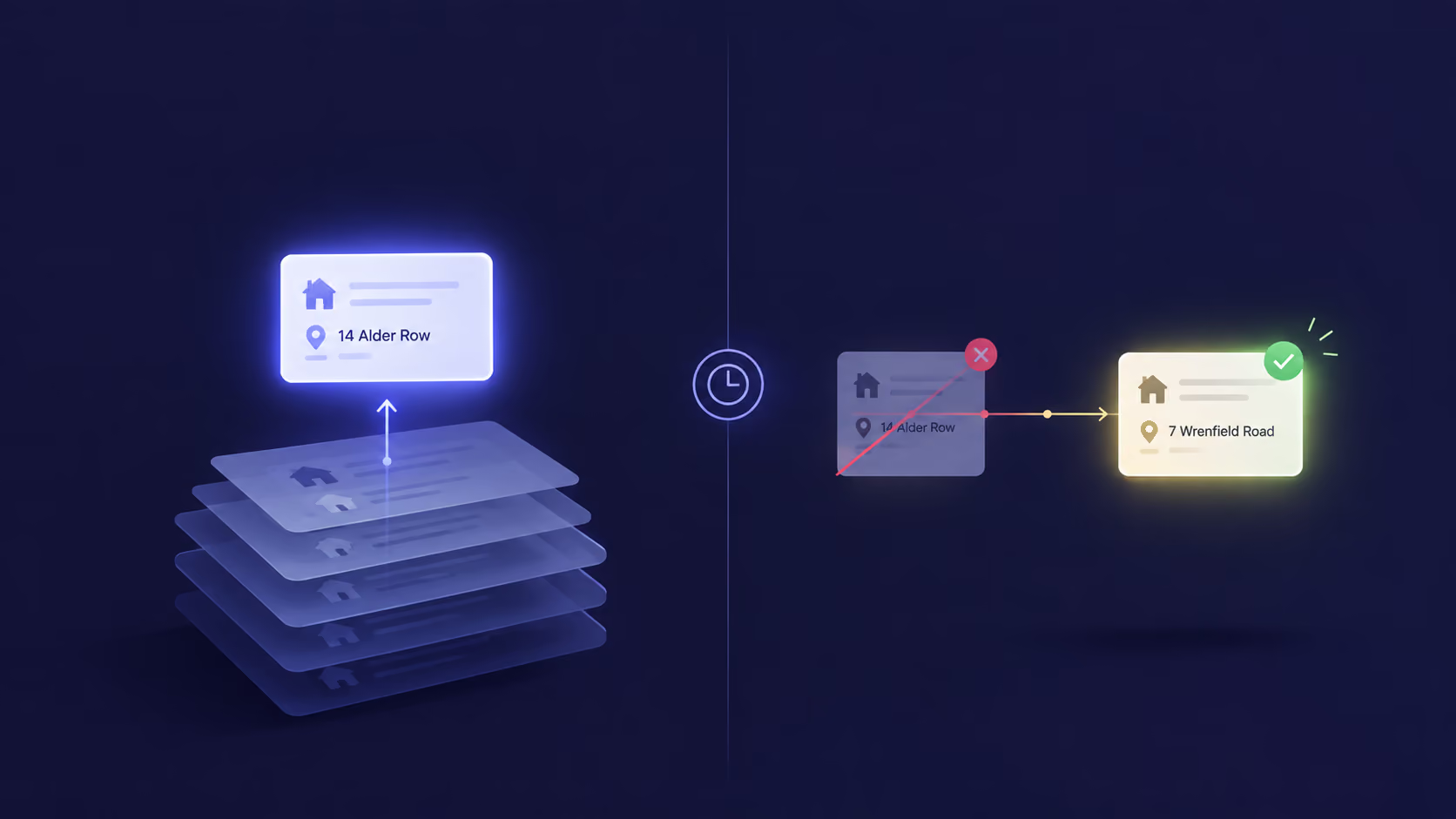
Agent Memory Has Outgrown Retrieval

Most AI memory systems can find relevant past information but can't tell if it's still true, so agents act on stale data that was technically "retrieved correctly."

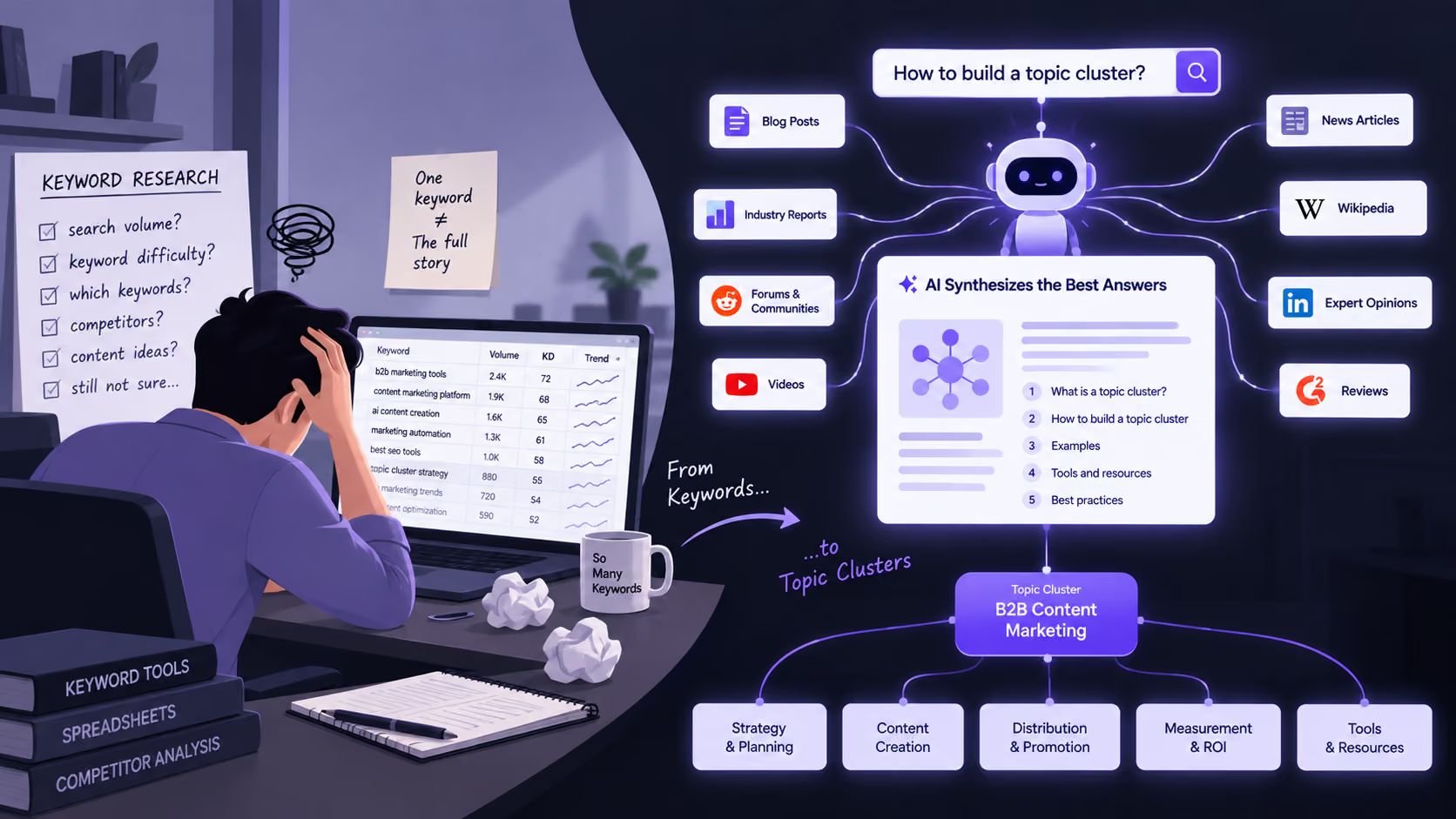
How to Build Topic Clusters in the AI Search Era: A Practical Guide

Learn how to move beyond keyword-based clustering, create comprehensive resources, and build evidence that helps AI systems understand and cite your content.

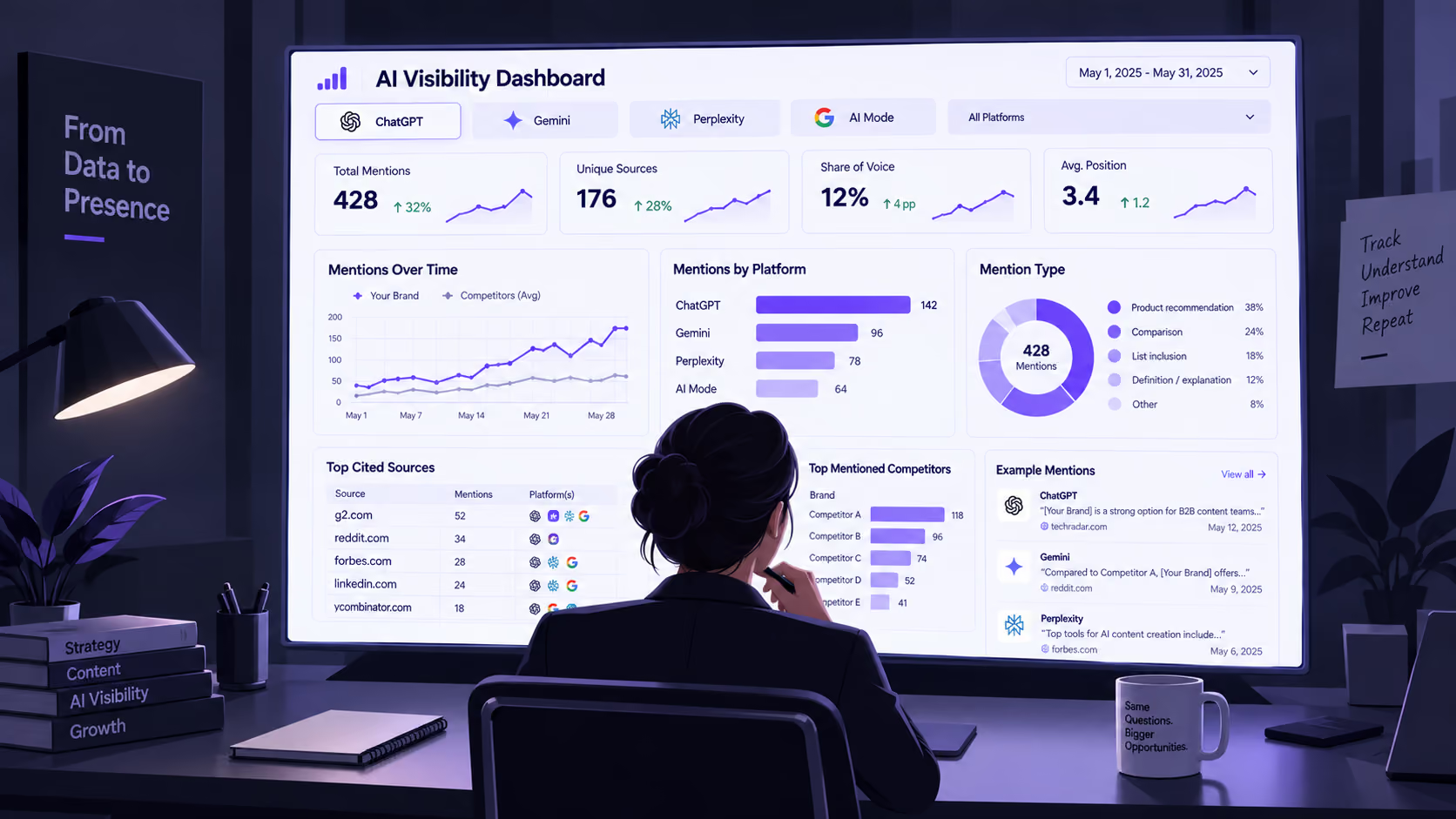
How to Track AI Visibility Across ChatGPT, Perplexity, Claude, and more

SEO visibility was a settled question. You had Search Console for impressions, Ahrefs or Semrush for positions, GA4 for what happened after the click. AI visibility has none of that.

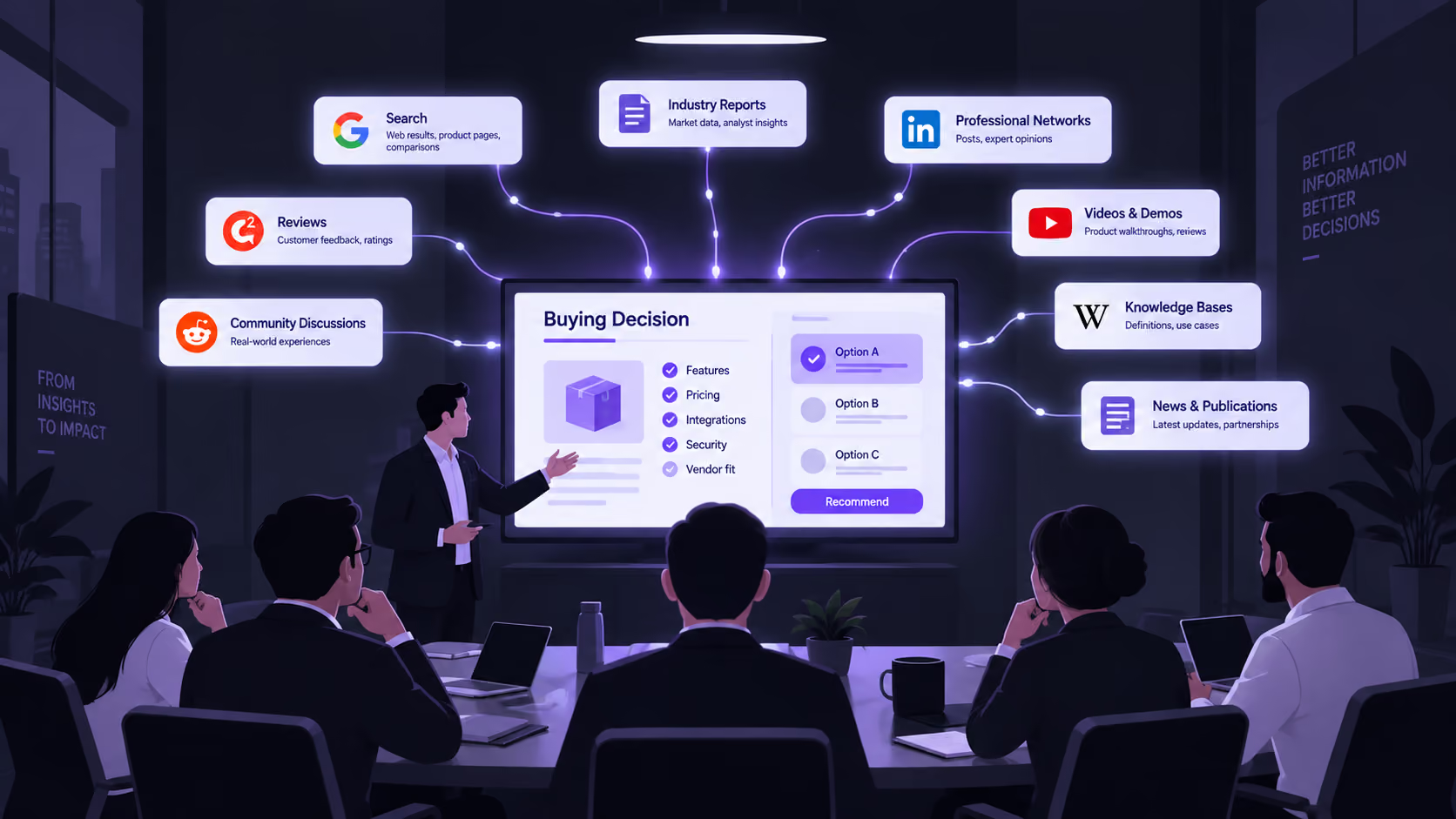
Search Everywhere Optimization (SEvO): The B2B Guide to Getting Found in AI Search

Search Everywhere Optimization (SEvO) is the response to AI search. Show up, correctly, wherever your buyer goes looking for an answer, and you're halfway to a deal.

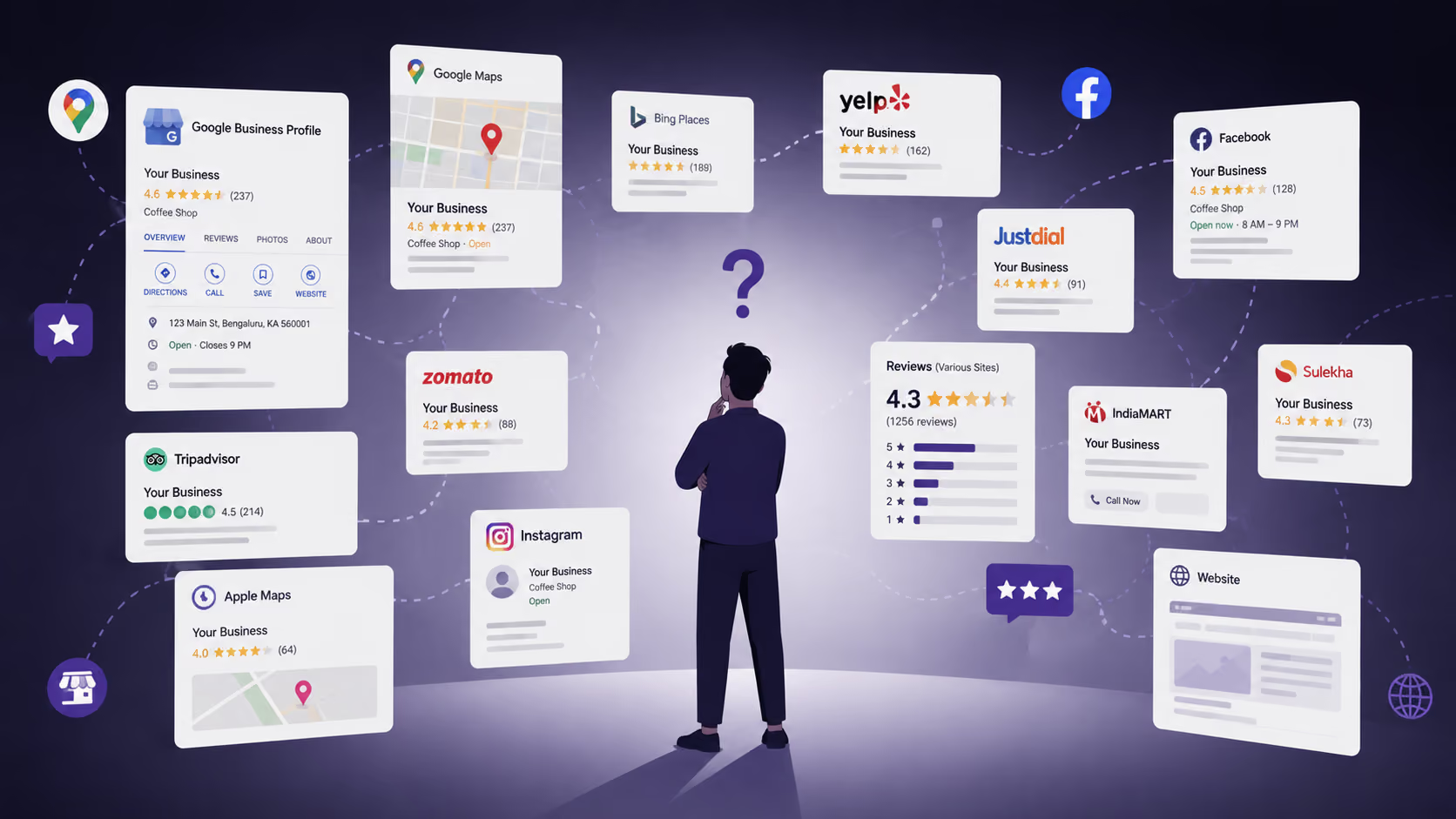
Your Business Data Is Everywhere. Can AI Make Sense of It?

Most conversations about showing up in ChatGPT, Gemini, or AI Overviews focus on content: better pages, sharper answers, more structured markup. The question that matters more gets skipped: does the business actually agree with itself across the internet?

From Ranking to Recommendation: What Changes in Local SEO?

For most of the last fifteen years, local SEO had one job: win a position in a ranked list. That model is now being dismantled by a change in what "search" even means.